Bookkeeper
LiveBooks every bank, card and Stripe line with its reason, and spots payments made twice.
Can book confident lines by itself
The software that helps
Seven agents do the hours a traditional firm bills you for: booking bank lines, chasing invoices, getting each month ready. Each follows rules it can explain and shows its reason. Your accountant reviews what they do and signs; no agent ever files anything.
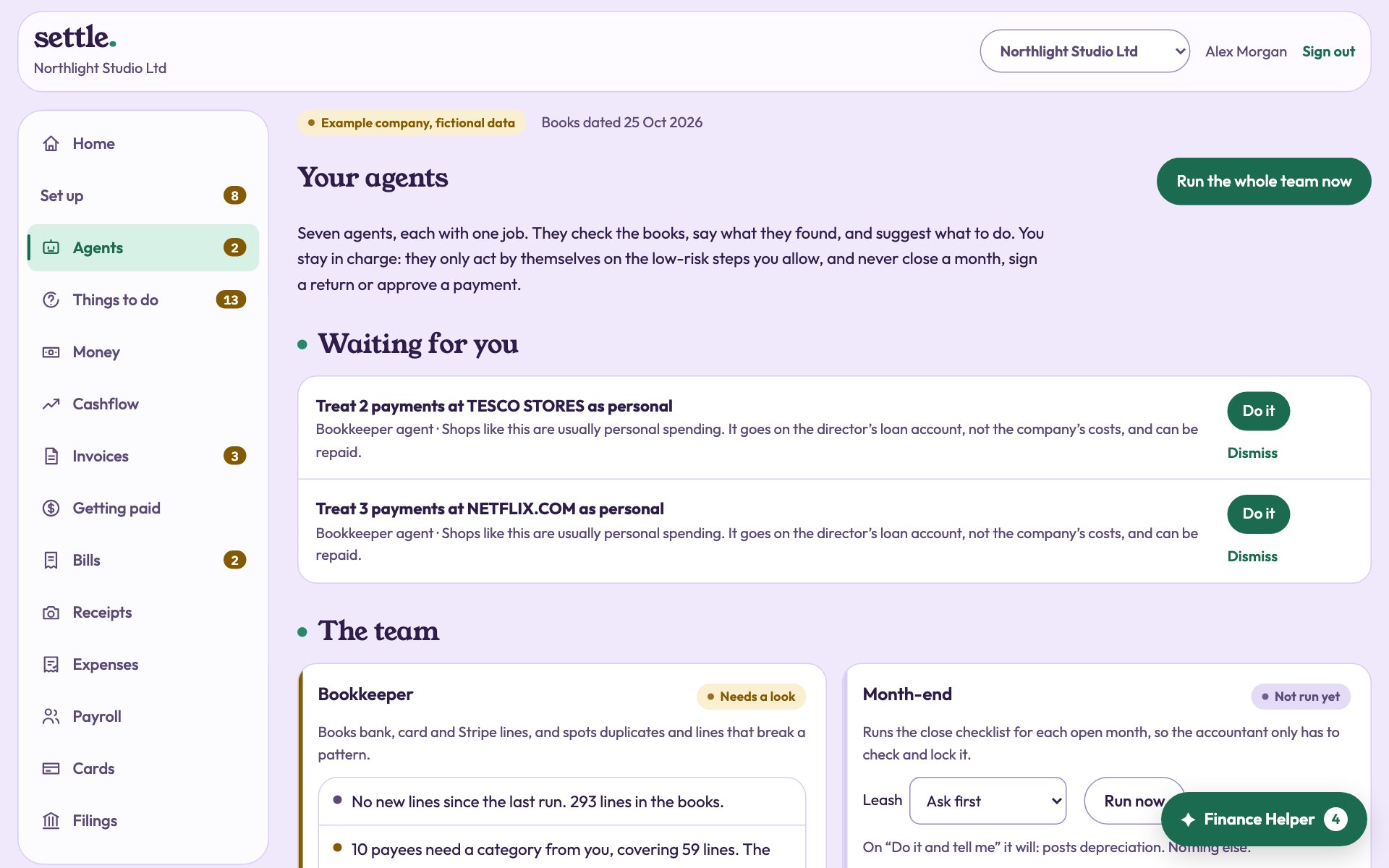

The team
Books every bank, card and Stripe line with its reason, and spots payments made twice.
Can book confident lines by itself
Runs the close checklist for each open month: open lines, the bank, depreciation, payroll, missing costs and receipts.
Can post depreciation by itself
Ranks who to chase and works each overdue invoice through three reminders, firmer each time.
Can send reminders by itself
Catches duplicate bills, first-time suppliers, bank details changed just before payment, and amounts out of line.
Advises only
Watches the runway and the lowest point ahead, compares your what-ifs, and says how to close a gap.
Advises only
Applies your spending policy to cards and claims, chases missing receipts and finds subscriptions paid twice.
Advises only
Tracks what to set aside, what can safely be paid out, an overdrawn director’s loan, and the deadlines coming.
Advises only
Reads receipts and supplier invoices, from a photo or straight from your Gmail or Outlook inbox.
Runs when a document arrives
Try it
1 · Something happens
2 · Set the leash
3 · What the agent does
The leash
The agent stays silent. Nothing is checked and nothing is suggested.
The default. The agent reports and puts its suggestions in your inbox. Nothing happens until someone presses the button.
Offered only where the step is small and reversible: booking a confident line, posting depreciation, sending a reminder. Everything it does is recorded.
What no agent can do
These are the decisions with consequences. They go to your named accountant or to you, and the agent’s job is to have everything ready when they arrive.
An agent’s suggestion also follows the same rules as doing it by hand. If only your accountant may post something, pressing the agent’s button as an owner is refused in the same way.
Three signatures
The books are kept, the month is made ready, the return is filled in. Anything unusual is flagged with its reason.
A named, qualified accountant reviews what was flagged, closes each month and signs each return under their own name.
You read a plain summary and tick the declaration. The period is then locked, and you can see who did what and when.
What we mean by AI
We call it software and AI because it is both, and we would rather you knew which does what.
The seven agents work by rules they can explain, so the same books always give the same answer. They learn from you: tell the Bookkeeper once what a payment is, and every payment from that name is booked that way from then on. This is most of the routine work, and it runs for every company.
Claude, made by Anthropic, reads documents and suggests answers where the rules do not know. It never decides an action: what it suggests goes to a person. It is used only for a company whose owner has switched it on.
Where Claude is used
Claude is only used for a company whose owner has turned it on under Settings, and stops the moment they turn it off. Without it, Evenly runs on its built-in rules. Your data is not used to train public models.
Create an account and add a bank statement. The software books it straight away, and your accountant is assigned at once.