Help
How to use Evenly
Short guides to every part of it, with pictures. Start with Getting started, or jump to what you need.
Start here
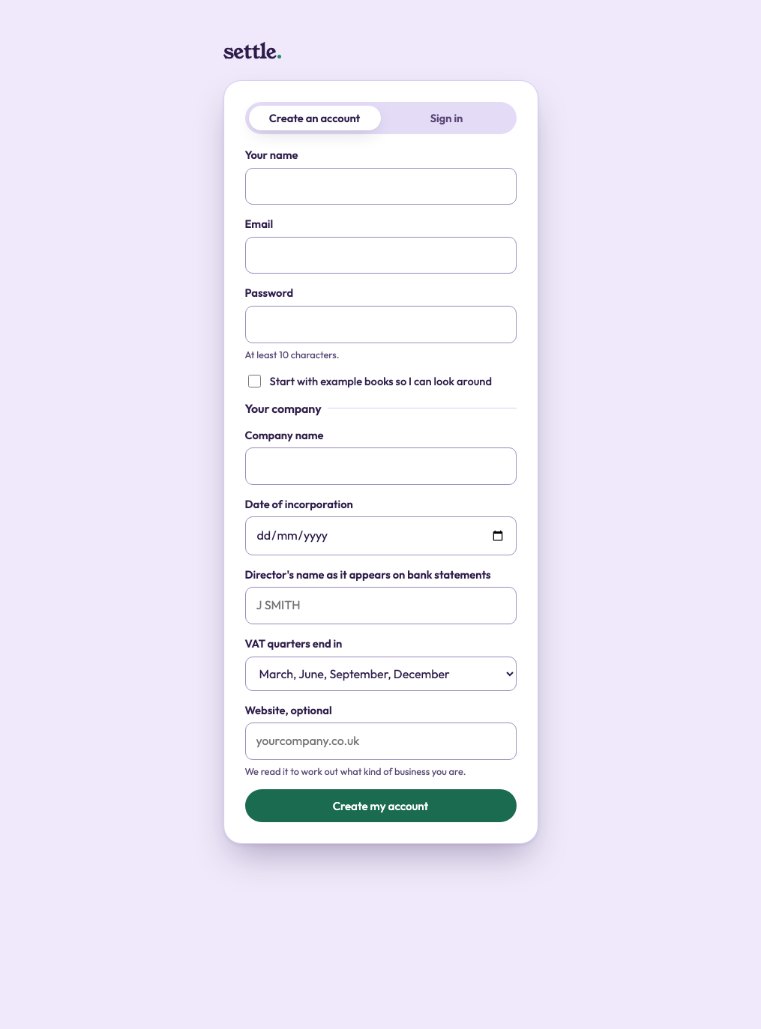 Getting startedCreate your account, add your company, and what to do in your first ten minutes.
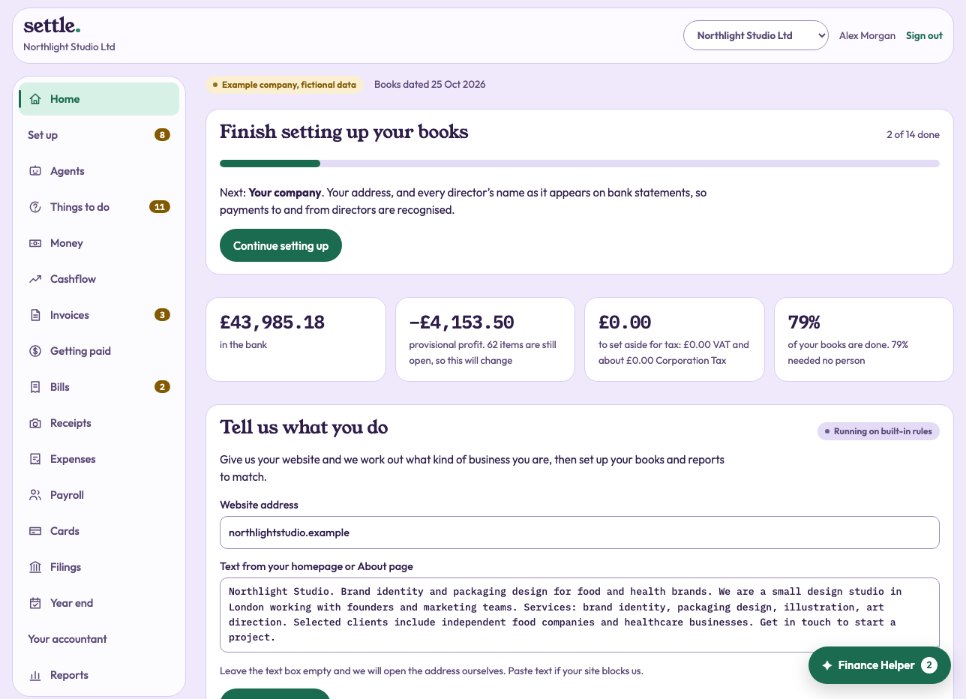 HomeYour bank balance, profit, tax to set aside, what needs you and your deadlines, on one page.
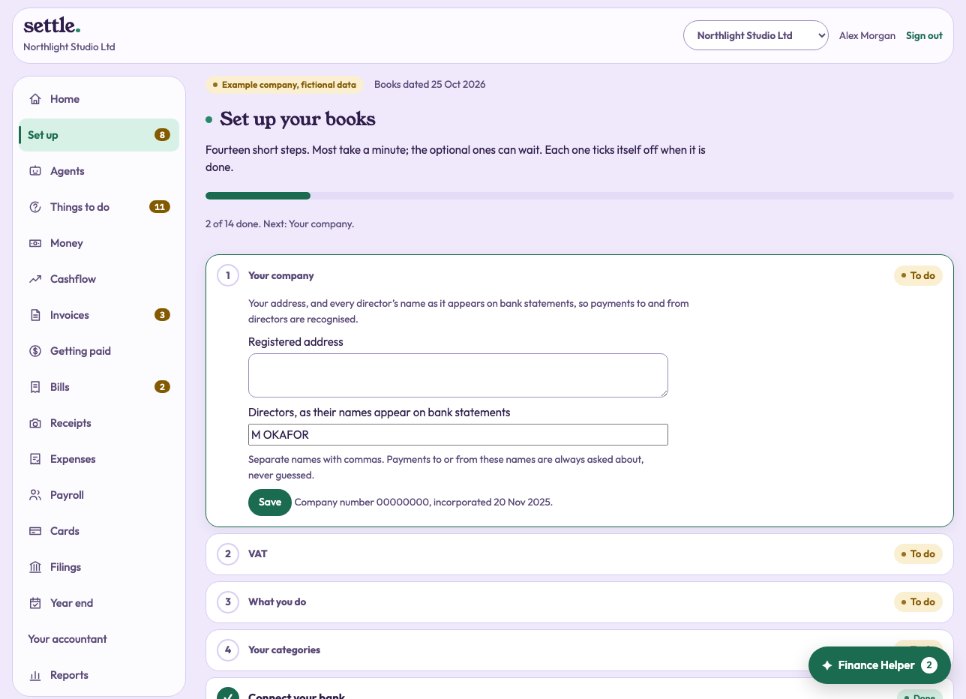 Set up your booksThe fourteen set-up steps, what each is for, and which can wait.Signing in and staying safeSigning in, Google, a forgotten password, two-step sign-in, and why an account gets locked.
Every day
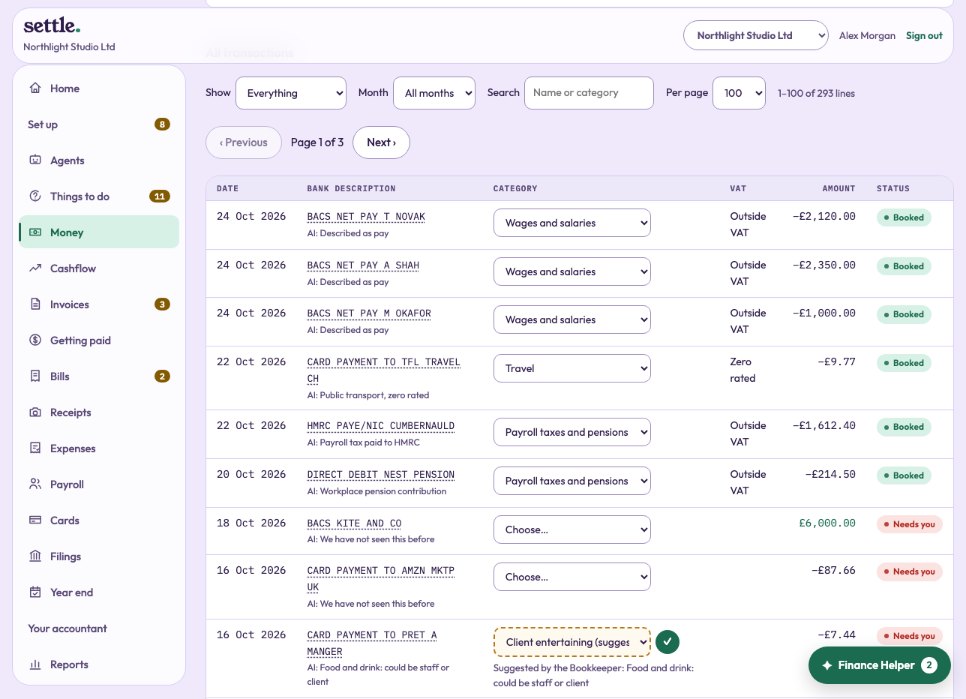 Money: every transactionSee every bank line, filter them, change any one, and open a line’s details.
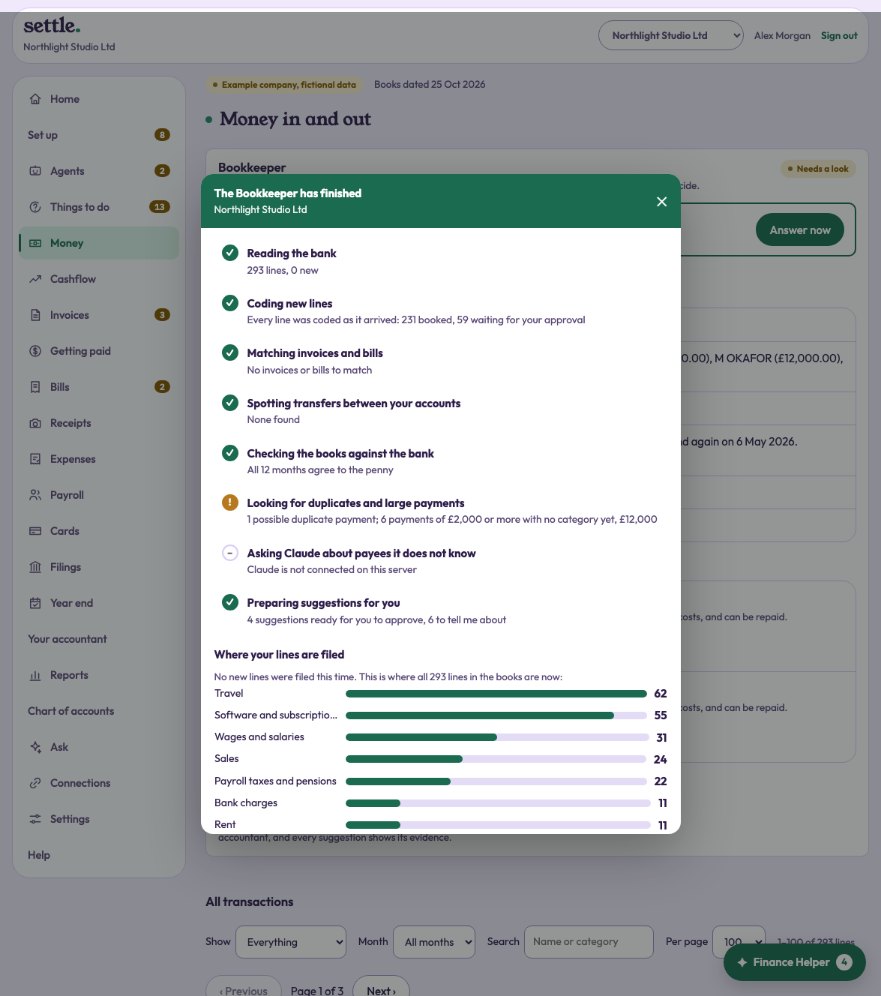 The BookkeeperWhat it does on each run, how to watch it work, and how much it does by itself.
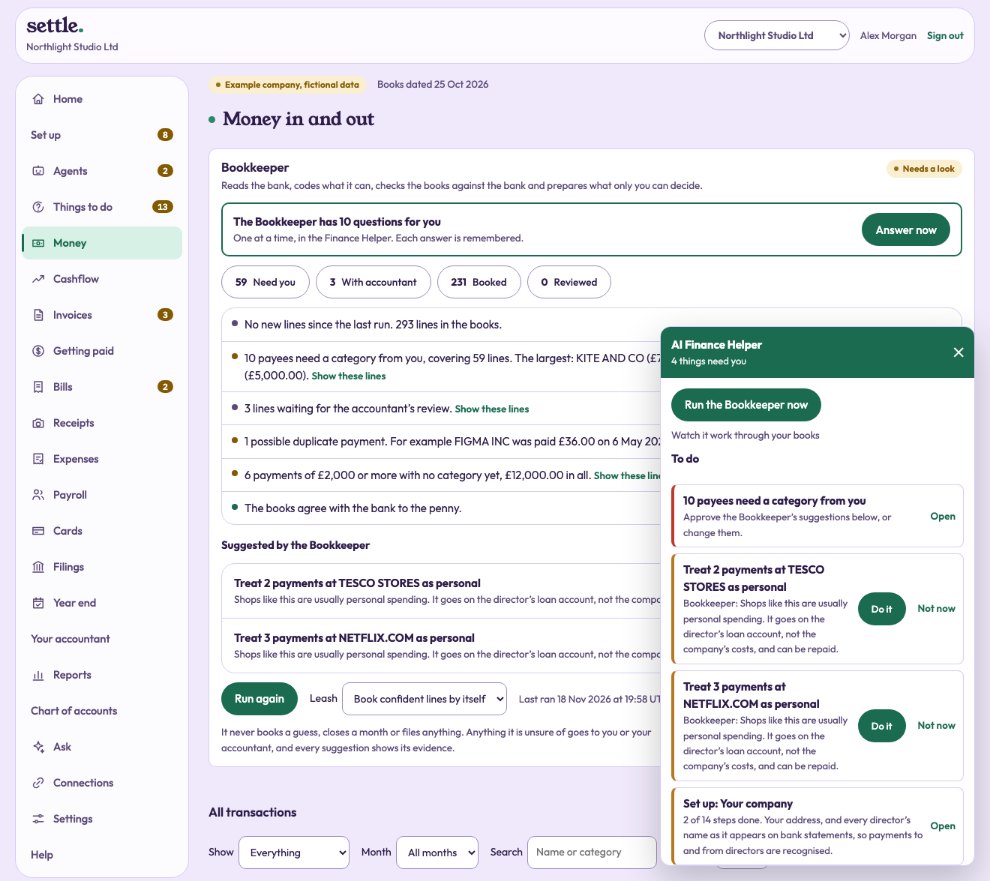 The AI Finance HelperThe button in the corner: your to-do list, the Bookkeeper’s suggestions, and a chat.
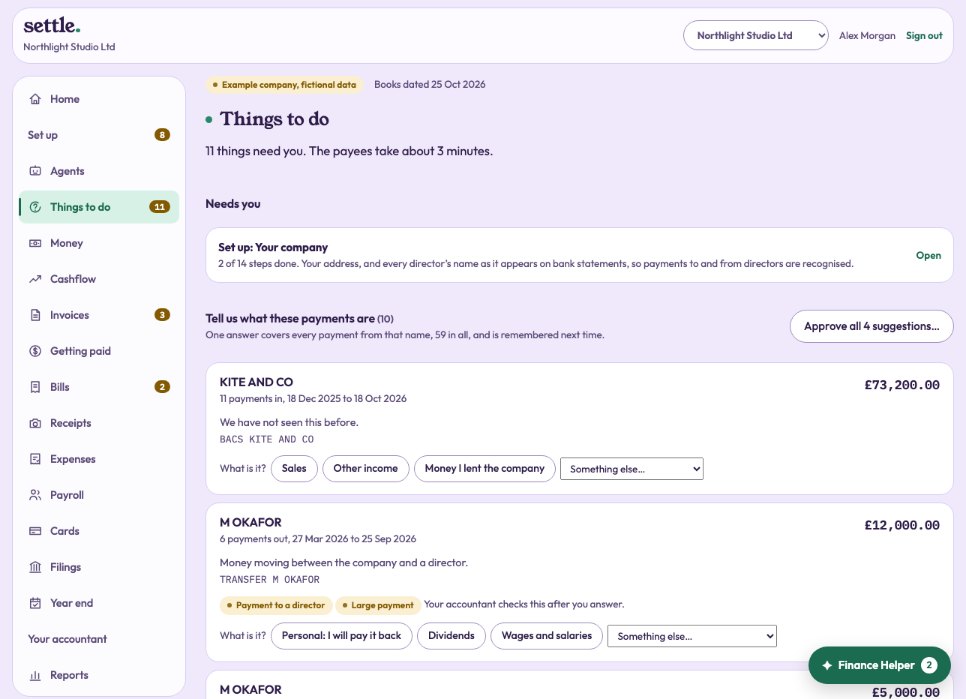 Things to doEverything waiting on you in one place, and how one answer settles every payment from the same name.Personal payments and the director’s loanWhat to do when company money paid for something personal, or you lent the company money.
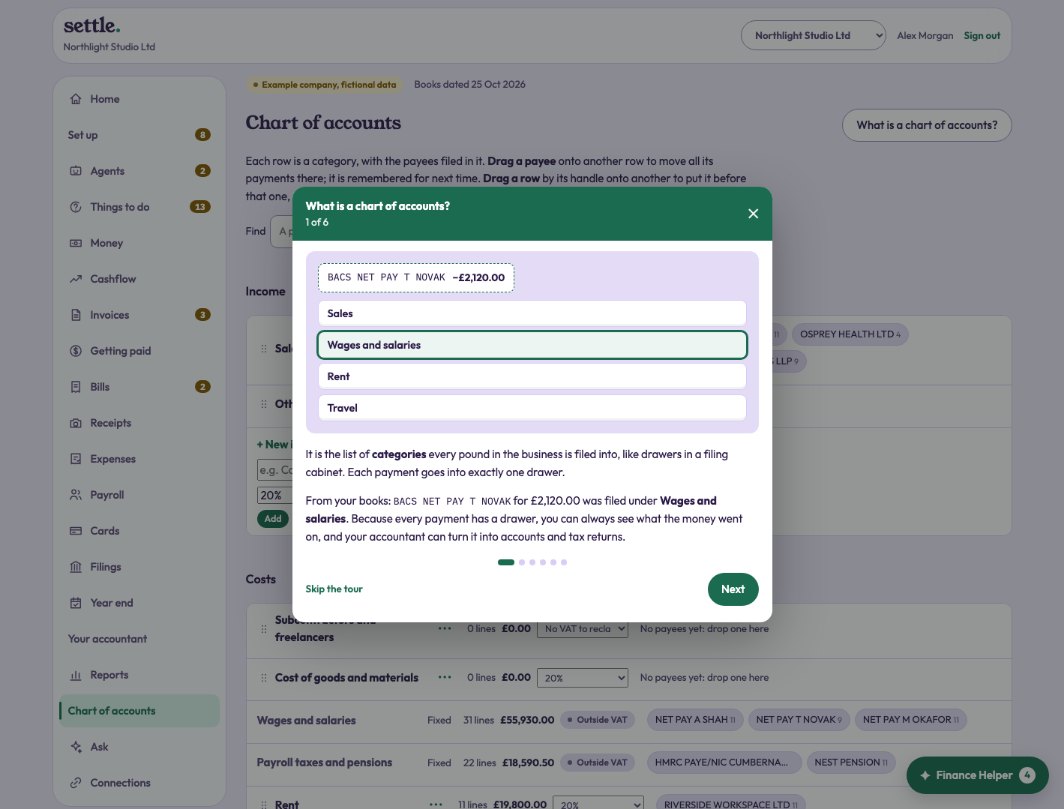 Chart of accountsYour categories: move payees by dragging, merge, rename, set the usual VAT.
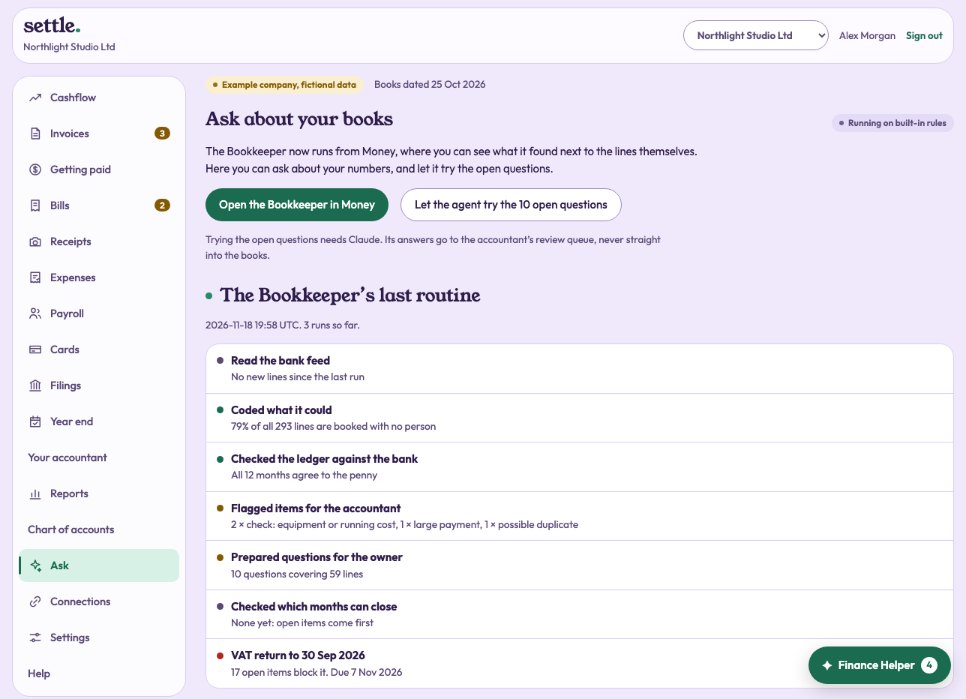 Ask about your booksAsk questions about your numbers, see the Bookkeeper’s last routine, and let it try open questions.
Connecting
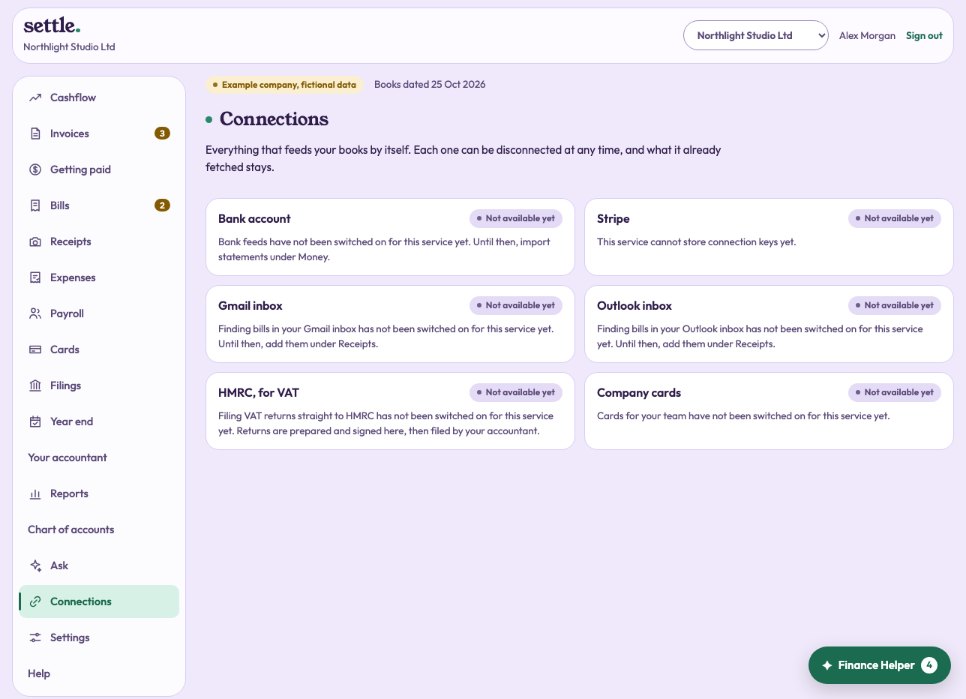 ConnectionsEverything that feeds your books by itself: bank, inbox, Stripe, HMRC and cards.Your bankConnect by open banking or add statements; choose which accounts belong to the company.
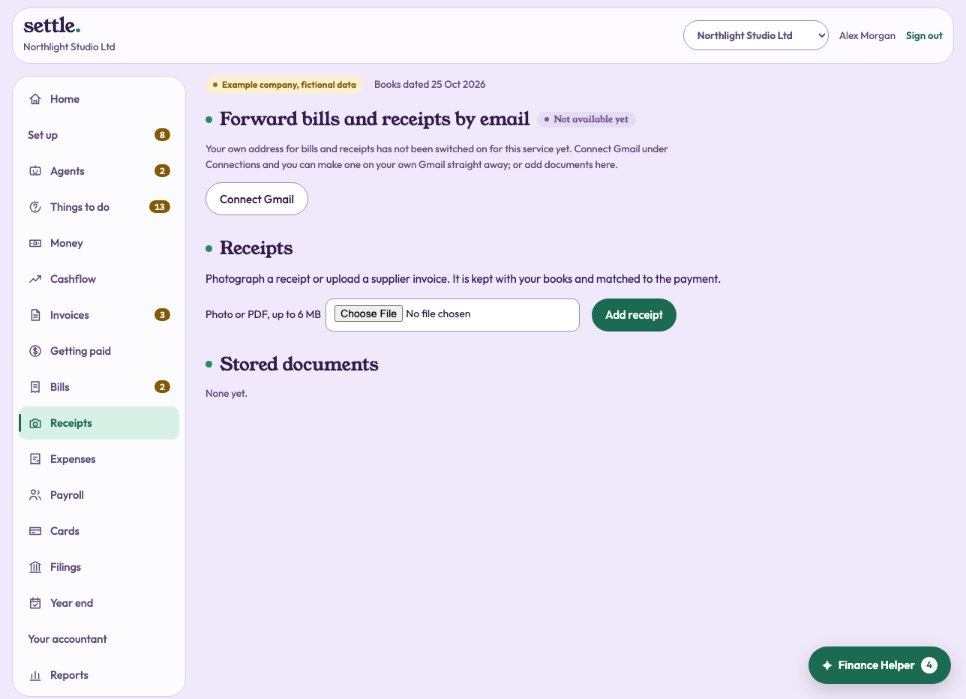 Your forwarding addressForward any bill or receipt to your company’s own email address, and it takes it from there.Bills from your inboxConnect Gmail or Outlook so bills and receipts arrive by themselves.Card and online sales (Stripe)Record each Stripe sale and fee, not just the lump sums that reach the bank.
Money in
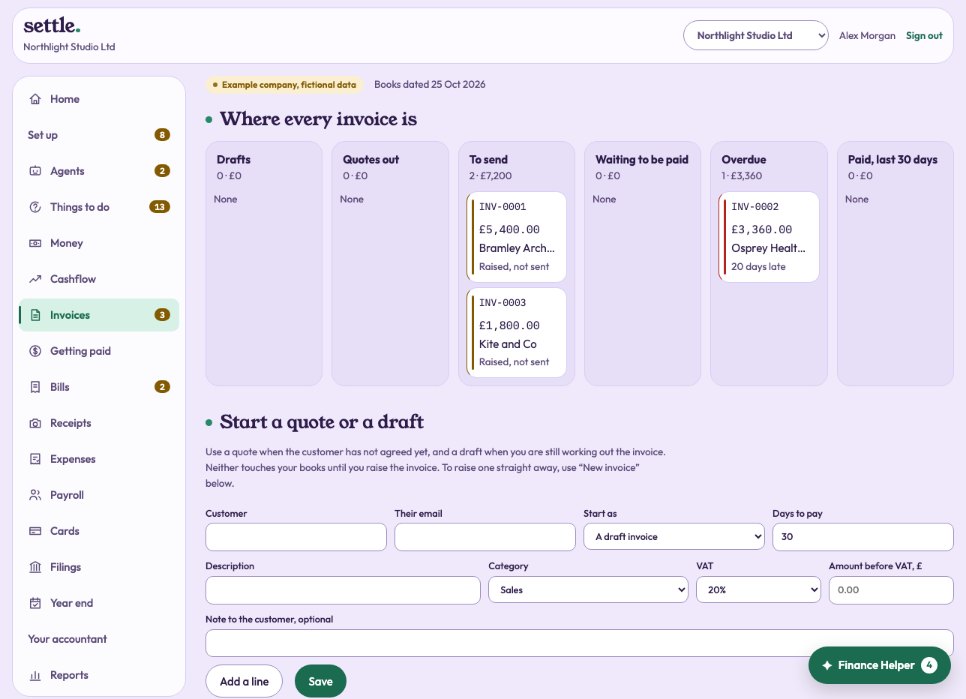 InvoicesRaise an invoice, send it, match the payment, and correct it with a credit note.Quotes and draftsPrice a job before it is agreed, or work on an invoice before raising it.
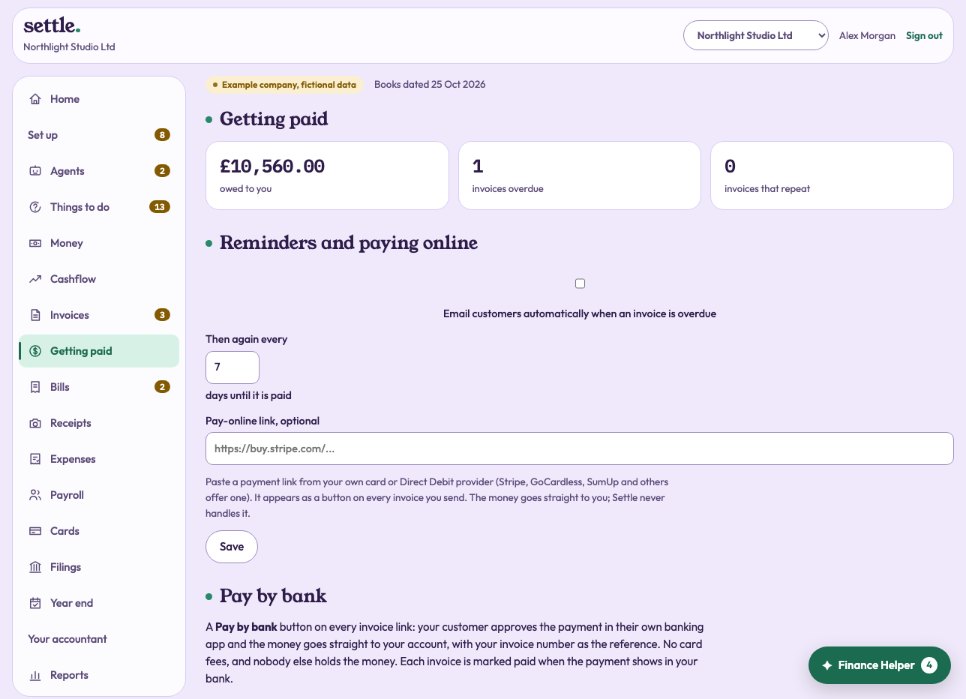 Getting paidAutomatic reminders, a pay-online button, and invoices that repeat.The customer’s invoice pageWhat your customer sees when they open the link to an invoice.
Money out
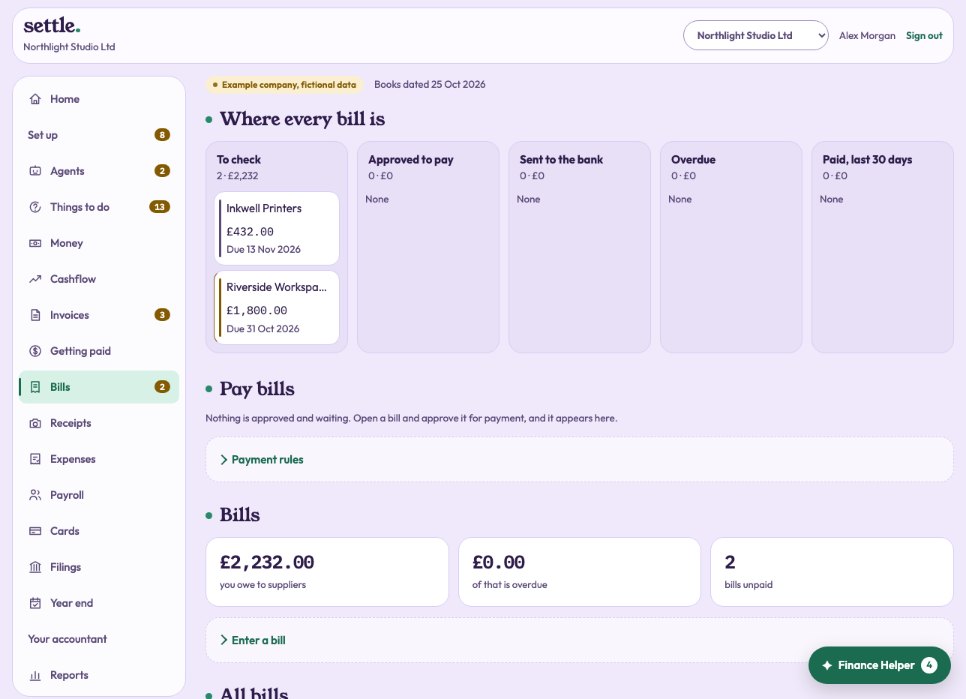 BillsEnter supplier bills, check them, and approve them for payment.Payment runsPay several approved bills at once from your own bank, with two people and a call-back check before money leaves.
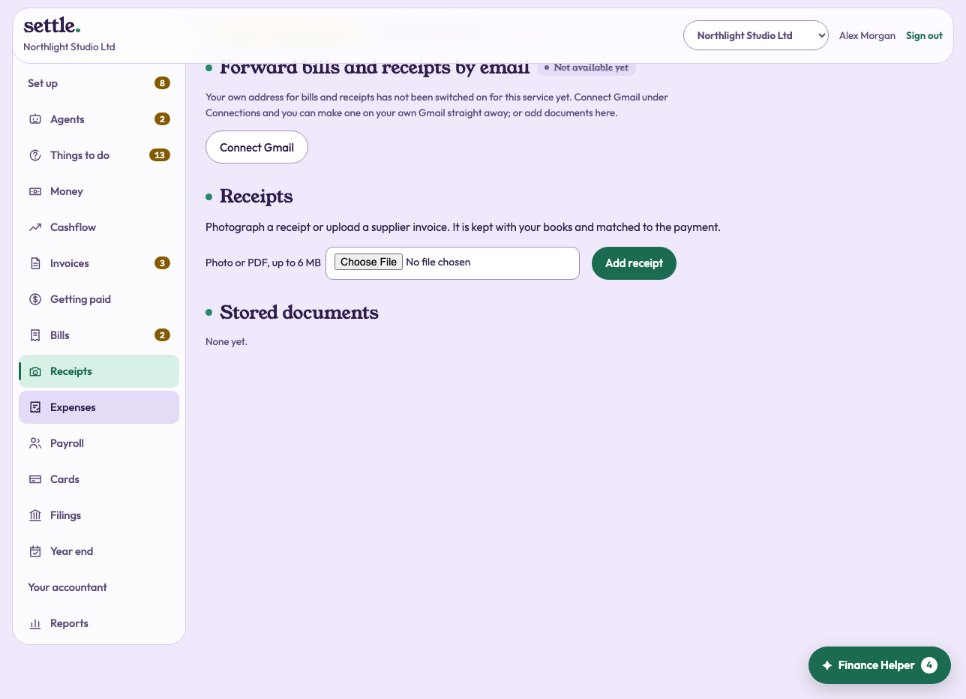 Receipts and documentsKeep receipts and supplier invoices with the payment they belong to.
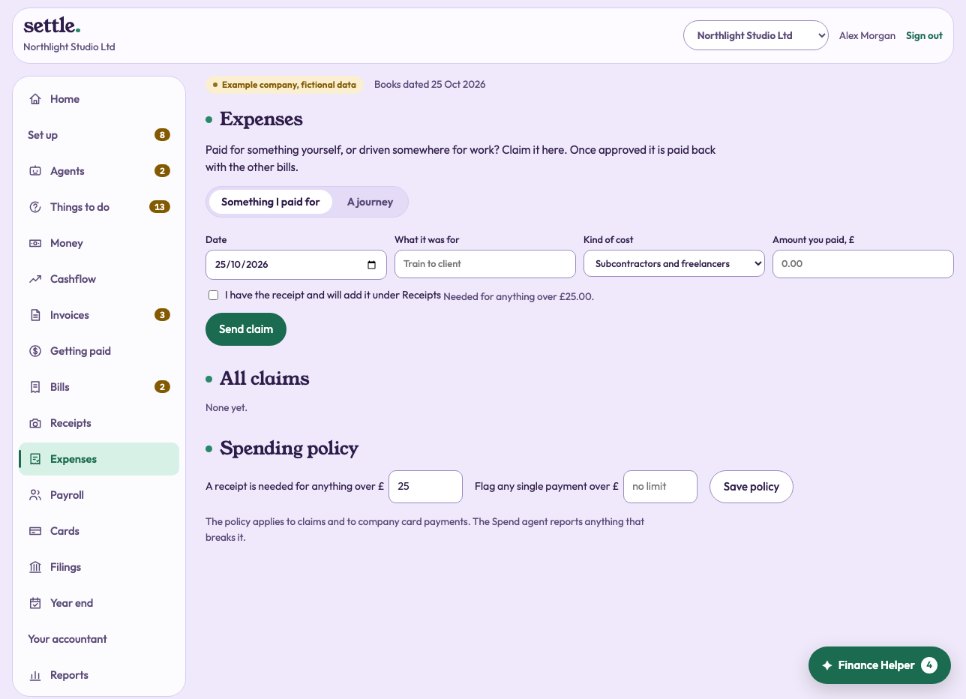 Expenses and mileageClaim back money you spent or miles you drove, at HMRC’s rates.
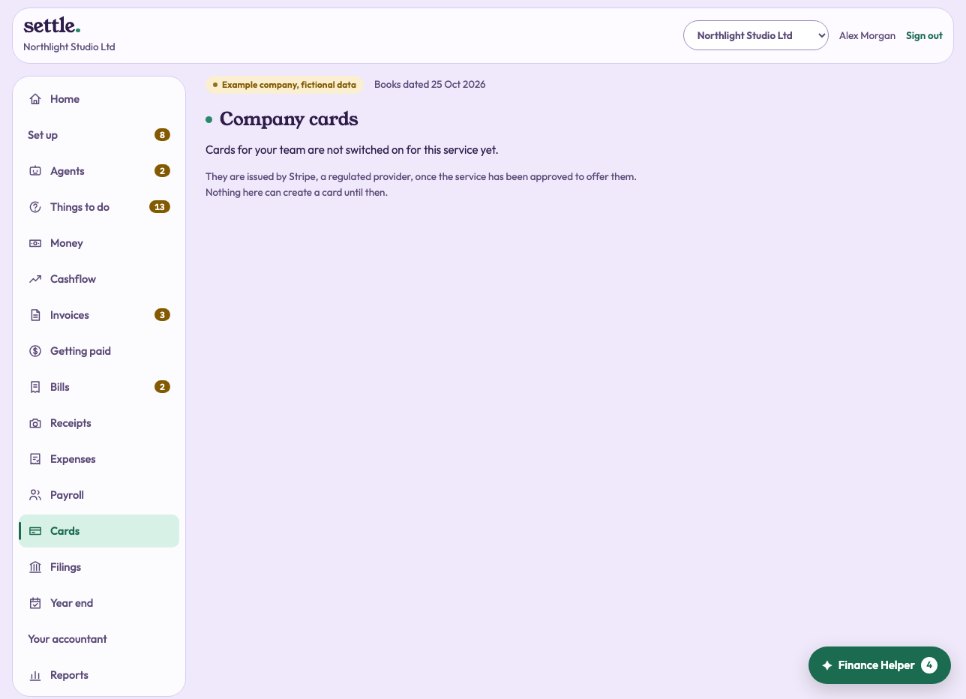 Company cardsCards for your team with their own limits, booked as they are used.
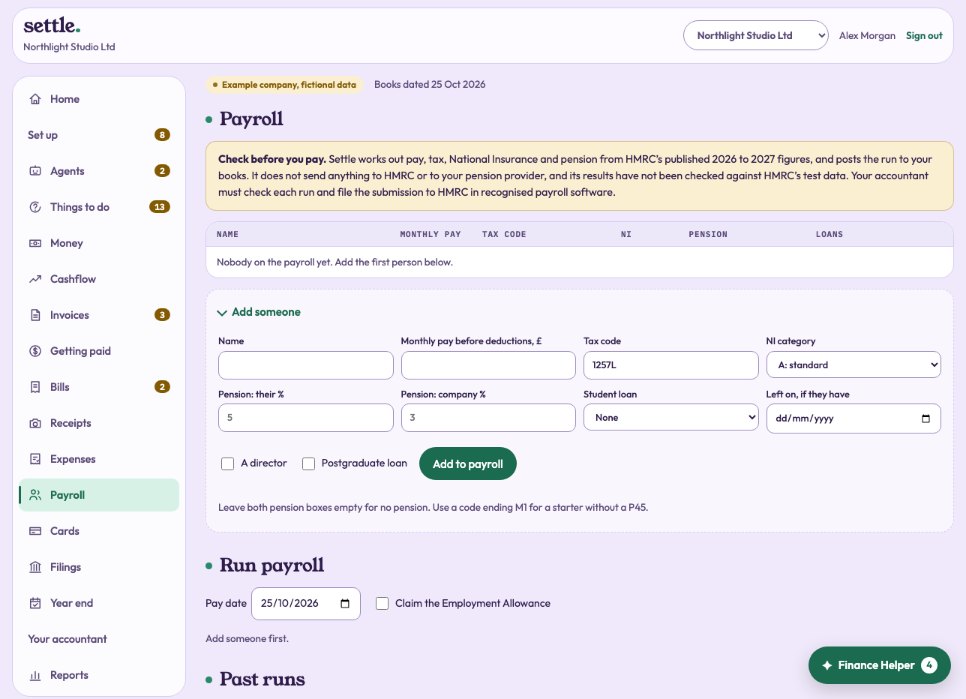 PayrollPay your people each month, with payslips, and the run posted to the books.
Planning
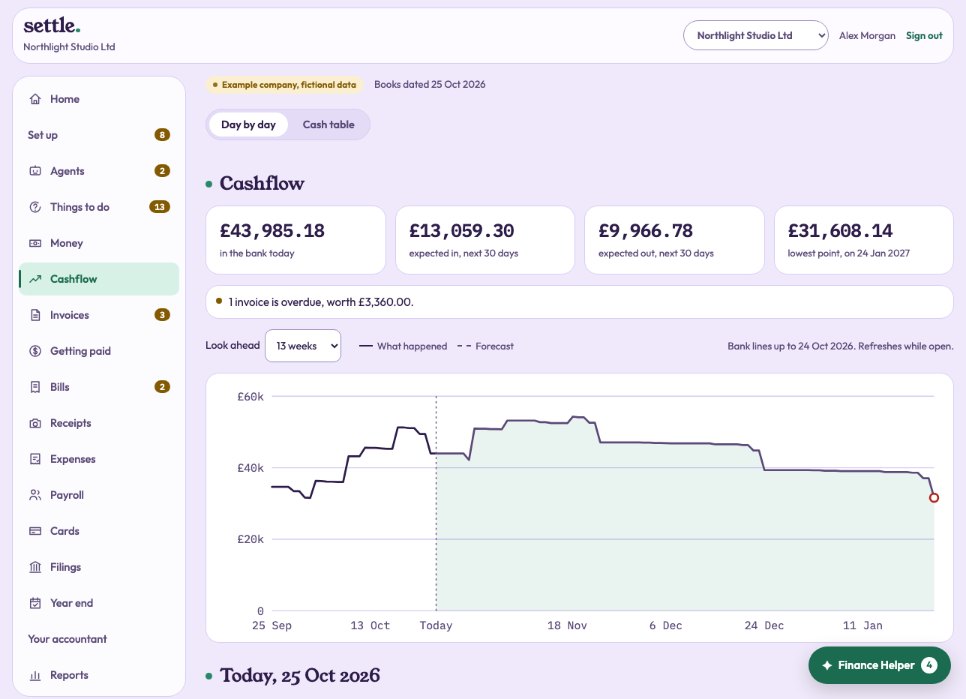 CashflowEvery day ahead: what comes in, what goes out, and the lowest point.
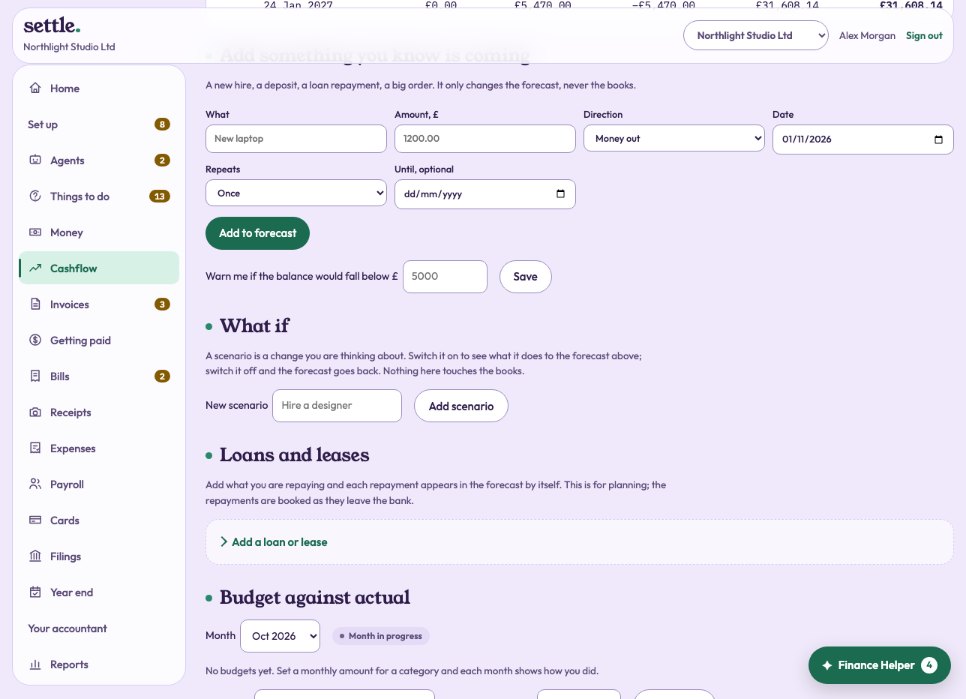 What if: scenariosTry out a change, like hiring someone, and see what it does to your cash.Loans, leases and budgetsPut loan repayments into the forecast, and set a monthly budget for each category.
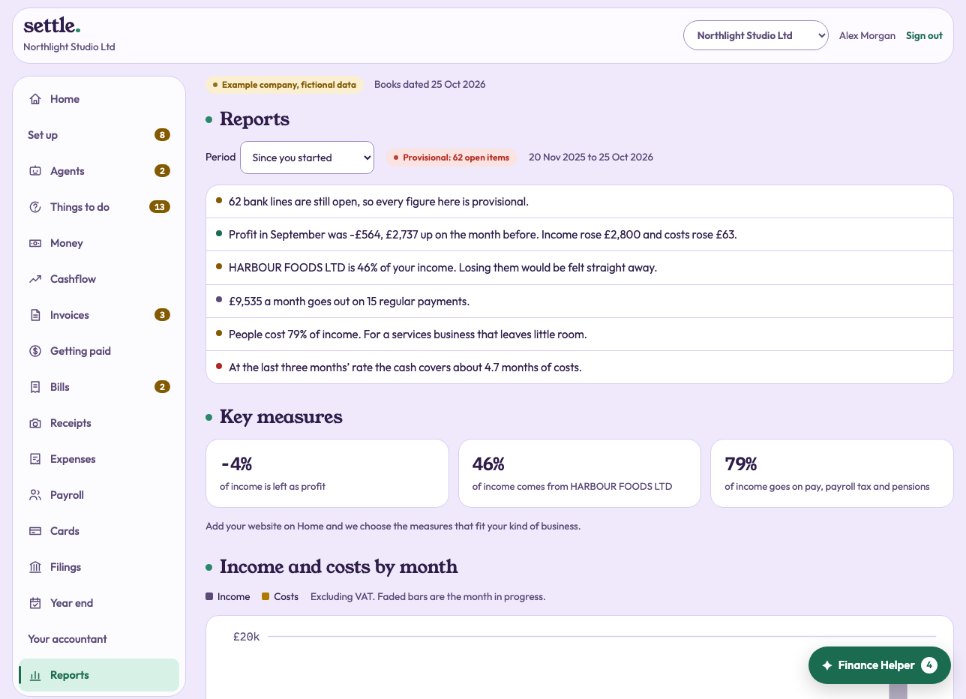 ReportsPlain findings, profit and loss, balance sheet, who owes what, and a tax estimate.
Tax
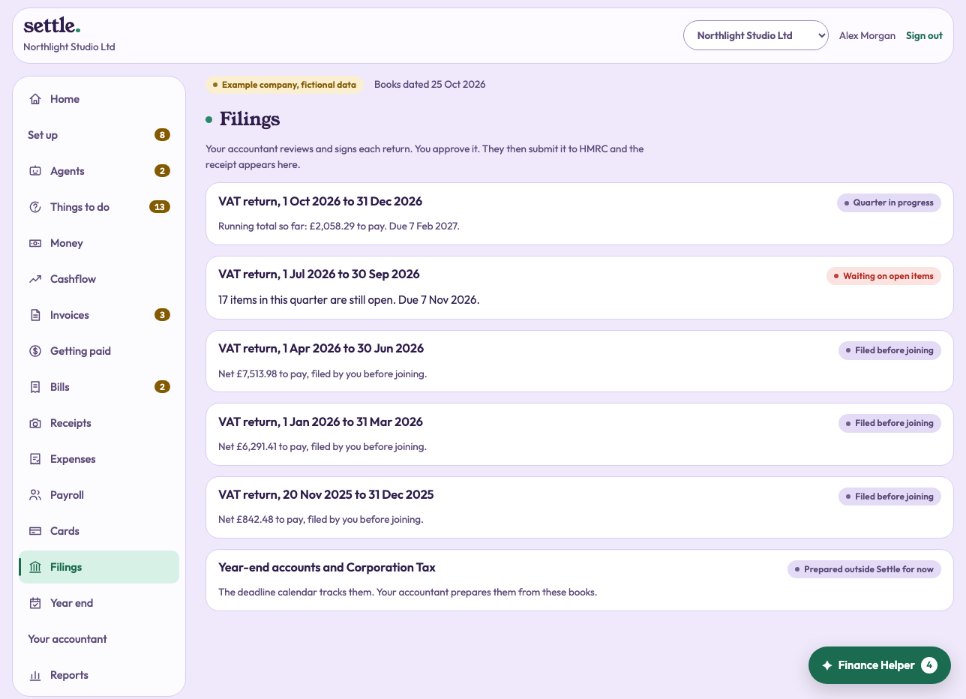 VAT returns
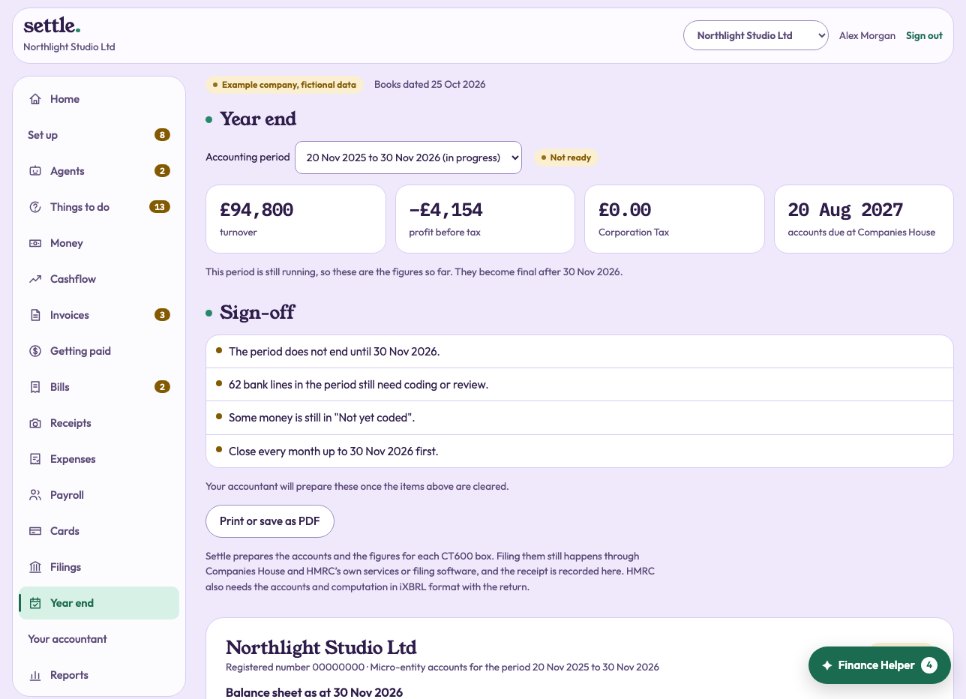 Year end
Companies in Wyoming
A company registered in WyomingWhat changes when your company is a Wyoming company: dollars, sales tax, your company type and your deadlines.Year end: the tax packWhat your CPA gets from your books for the federal return, how it is signed and approved, and 1099s for contractors.Payroll for a Wyoming companyHow pay runs from your payroll provider are booked, and how its withdrawals are matched.Sales taxSetting up sales tax, what each return shows, and how it is signed, approved and filed.
Your agents
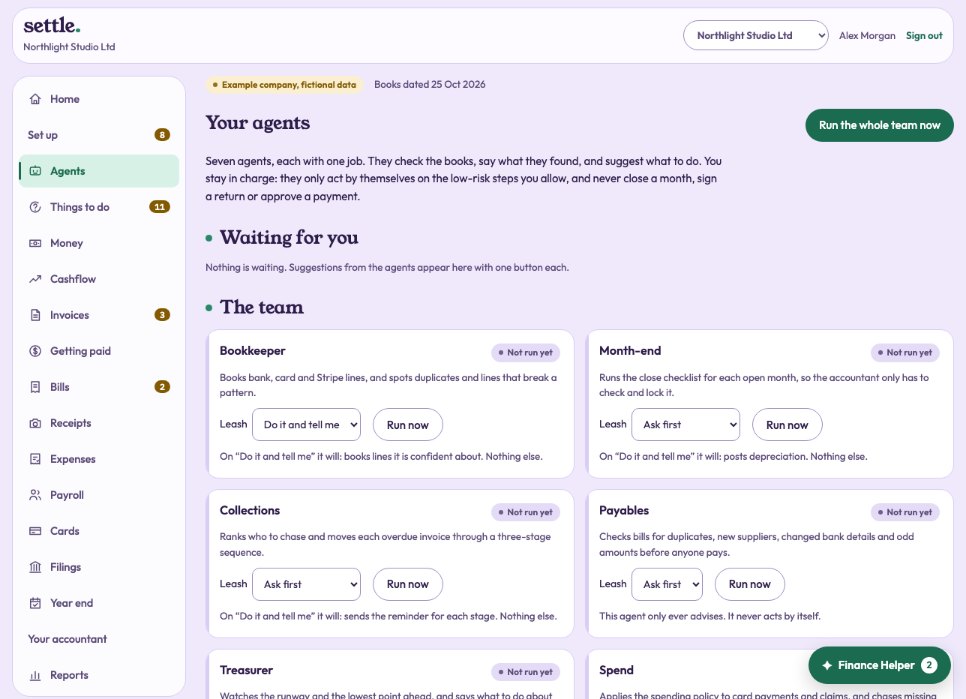 The agent teamSeven agents, each with one job, on a leash you set.The Month-end agentRuns the close checklist for each finished month.The Collections agentRanks who to chase and moves overdue invoices through three reminders.The Payables agentChecks bills before anyone pays them.The TreasurerWatches how long the cash lasts.The Spend agentKeeps an eye on cards, subscriptions and claims.The Tax agentVAT, Corporation Tax, dividends, the director’s loan and your next deadlines.
Your account
Your accountant and your packageWho looks after your books, what your package includes, upgrading, self-assessment, and everything they have done.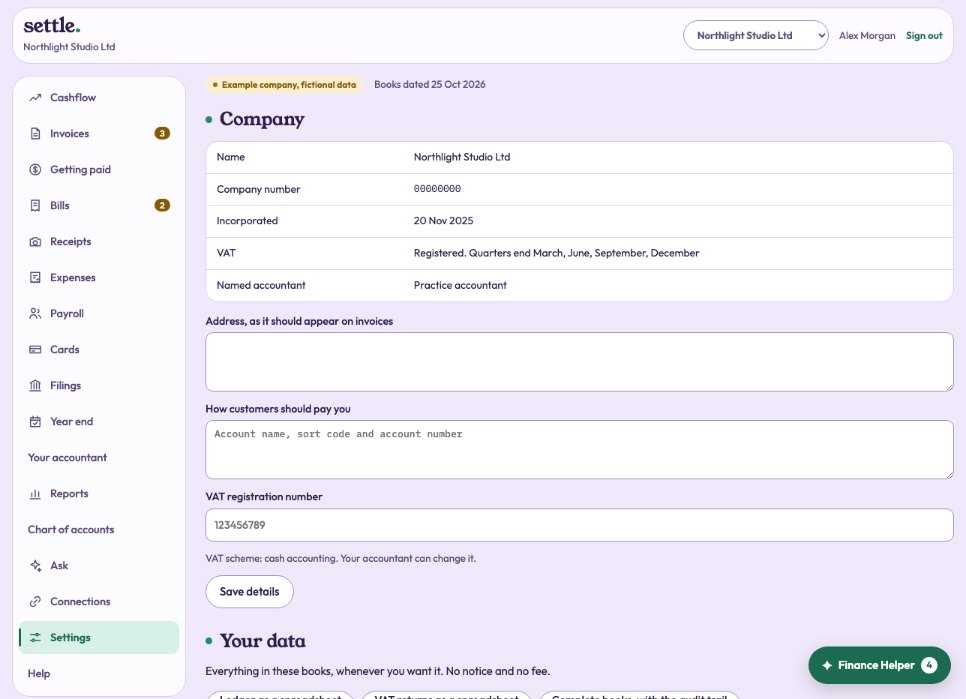 SettingsCompany details, invoice details, your categories, people, security and plan.Your team and what they can doInvite staff, viewers or another owner, and what each can do.Several companiesKeep more than one company under one sign-in, and switch between them.Your dataDownload everything in your books, whenever you want.Closed monthsWhat a closed month means, and why a line says Locked.
For accountants
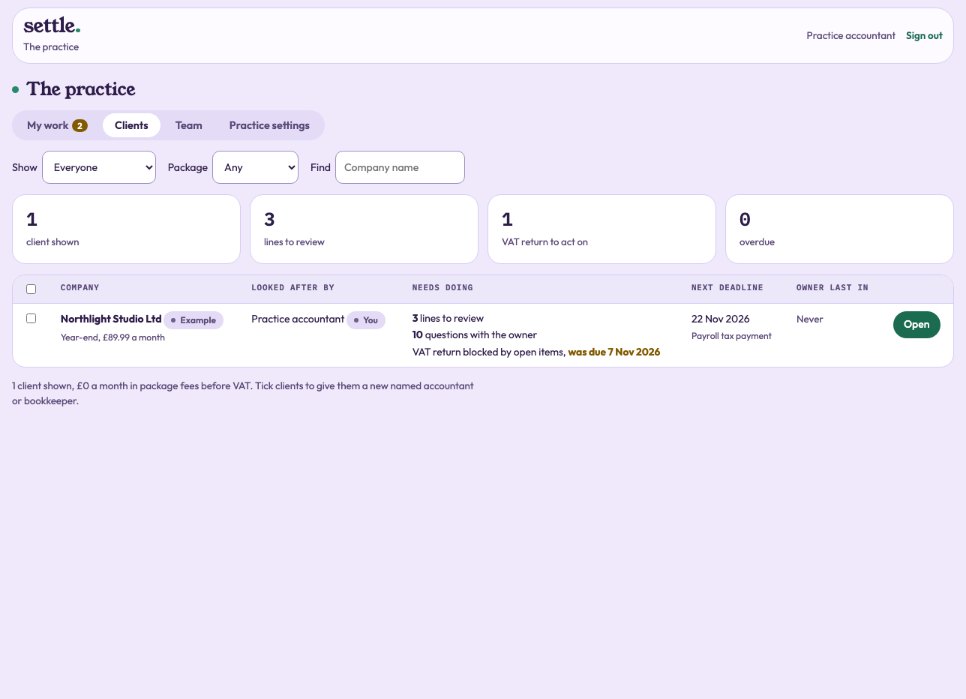 The practice and your clientsYour work across every client, every client with who looks after it, and the team.
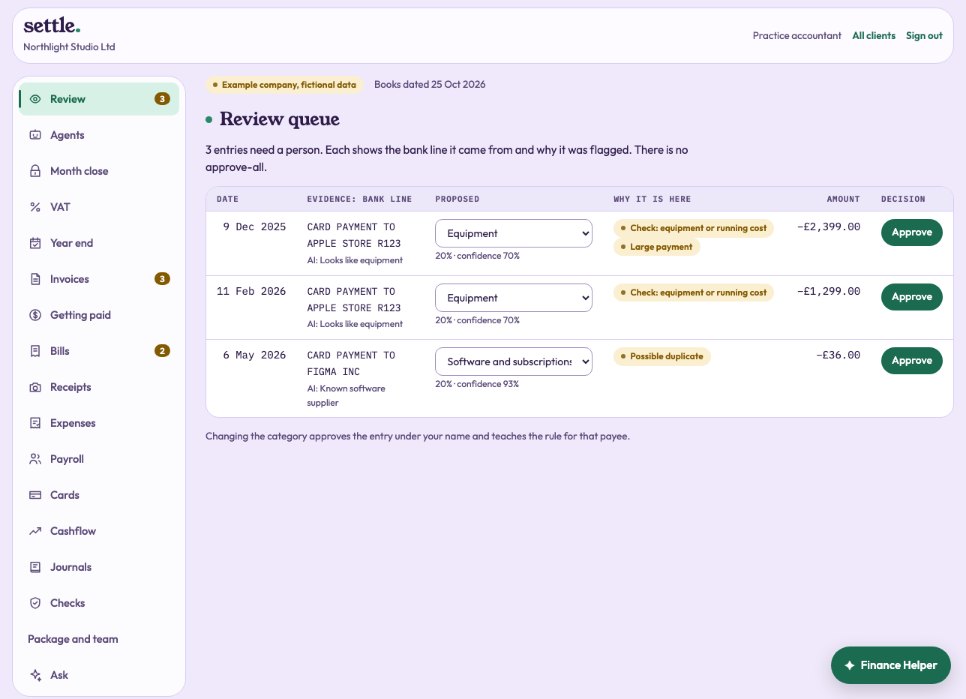 ReviewLines the owner changed and proposals sent to you, each with its bank line.
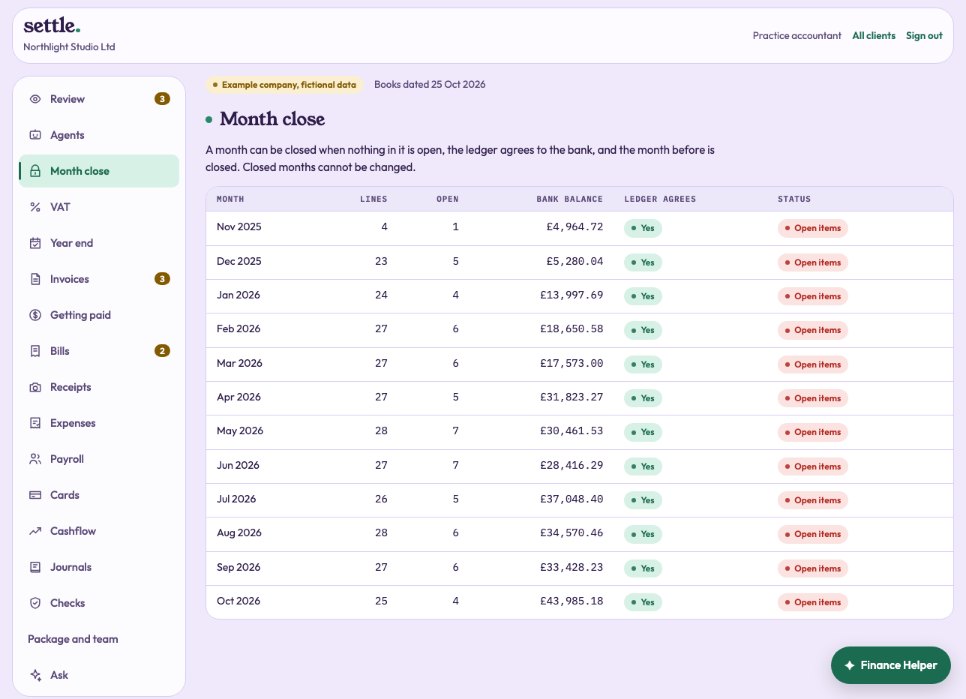 Month closeClose and lock each month once it is clear and agrees with the bank.
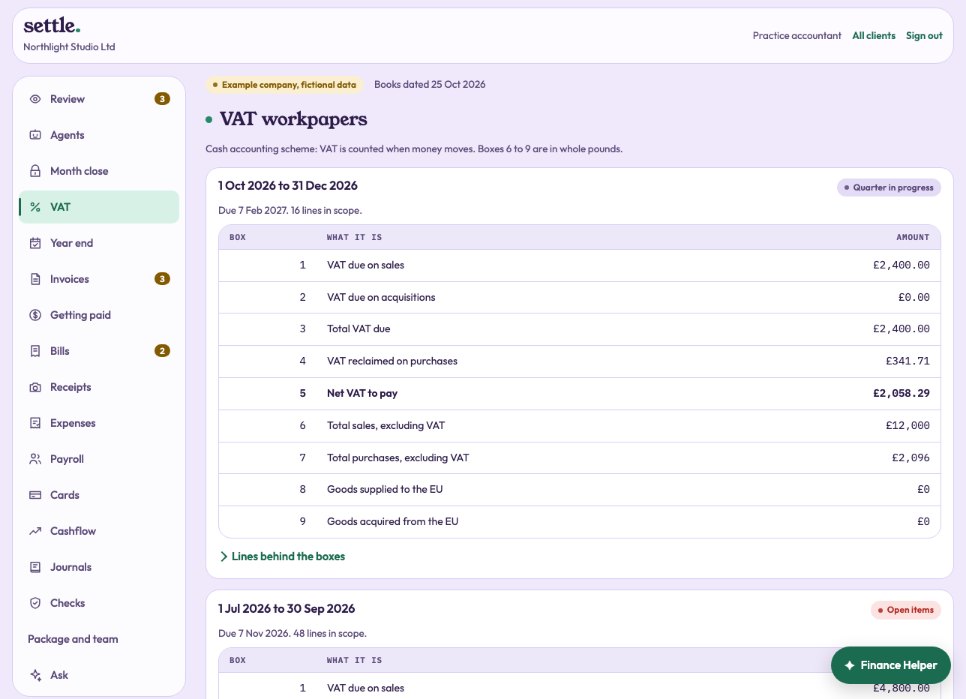 VAT workpapersCheck each quarter, sign it, and submit it once the owner approves.
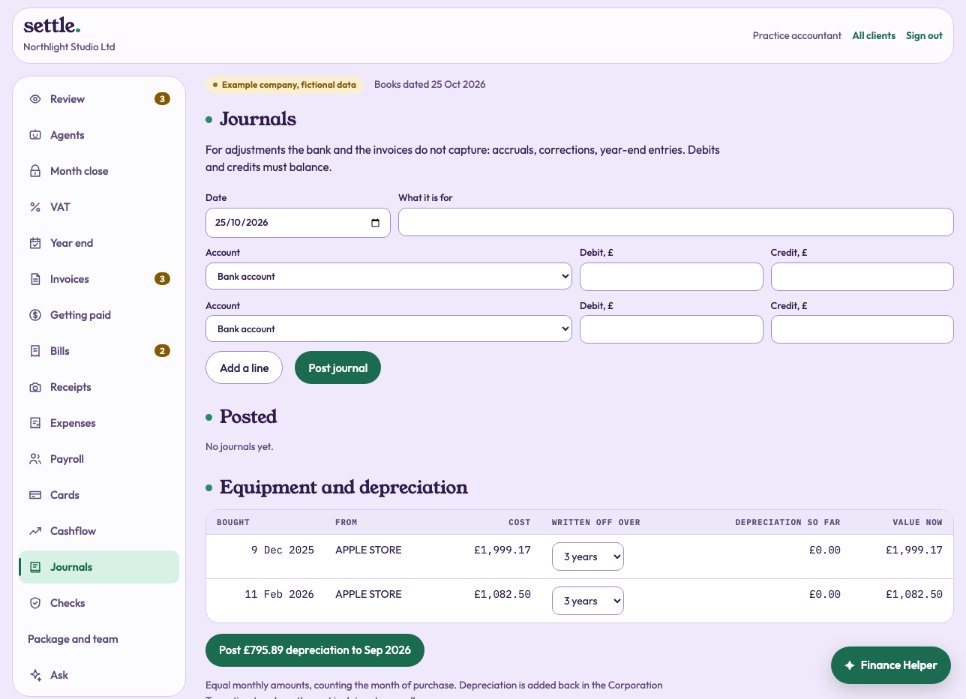 Journals and depreciationAdjustments the bank and invoices do not capture, and writing off equipment.
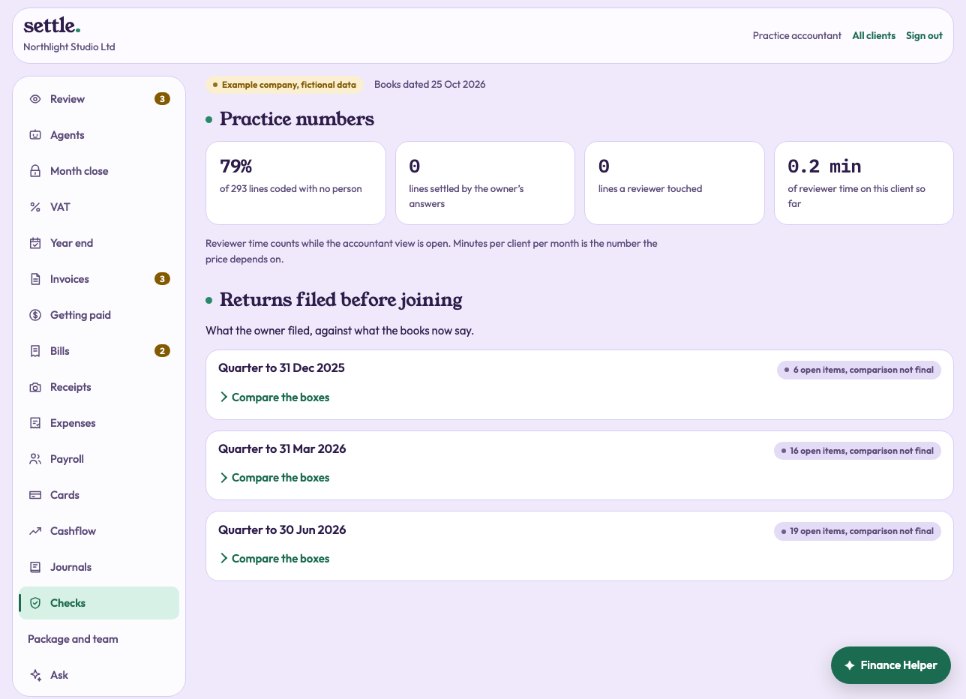 ChecksHow much needed a person, and returns filed before the client joined.
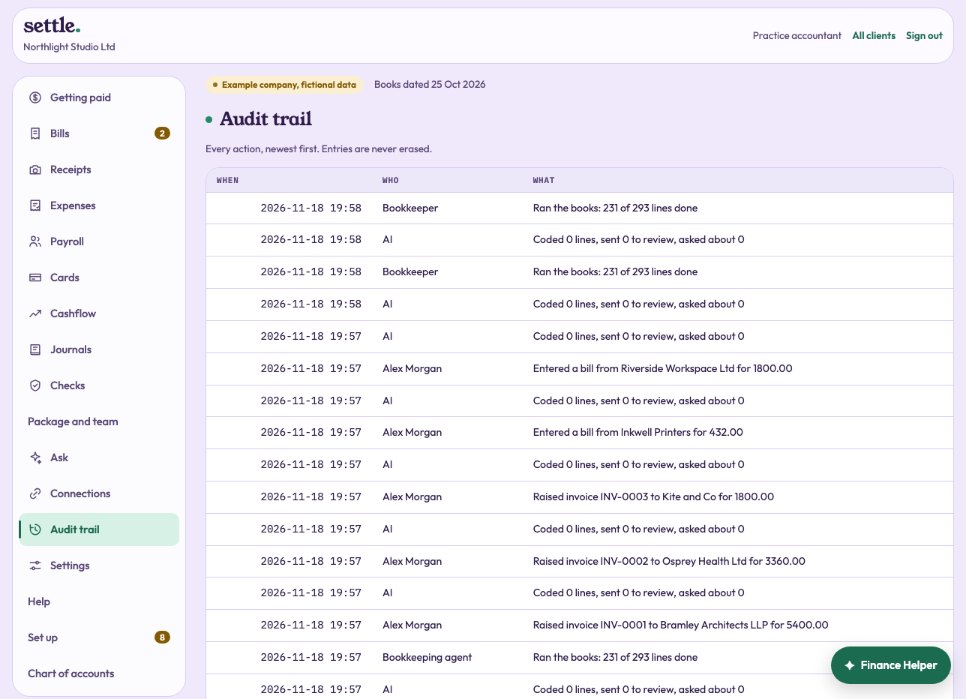 Audit trailEvery action on the books, by whom and when. Nothing is ever erased.
For administrators
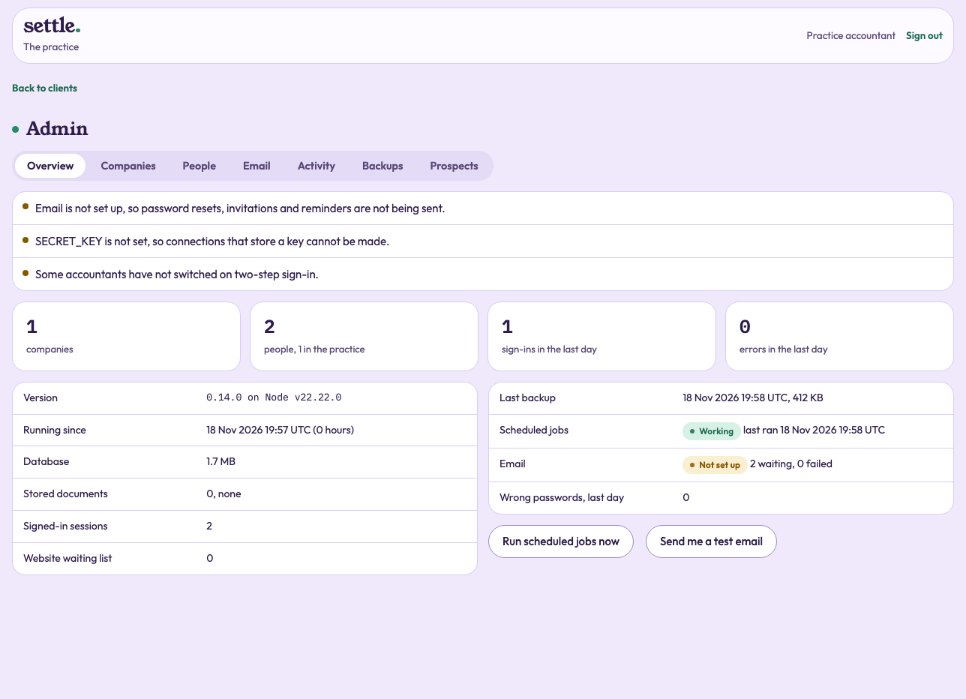 The admin area
Help
Nothing matches that. Try another word, or ask your accountant.