Planning
What if: scenarios
Try out a change, like hiring someone, and see what it does to your cash.
Making a scenario
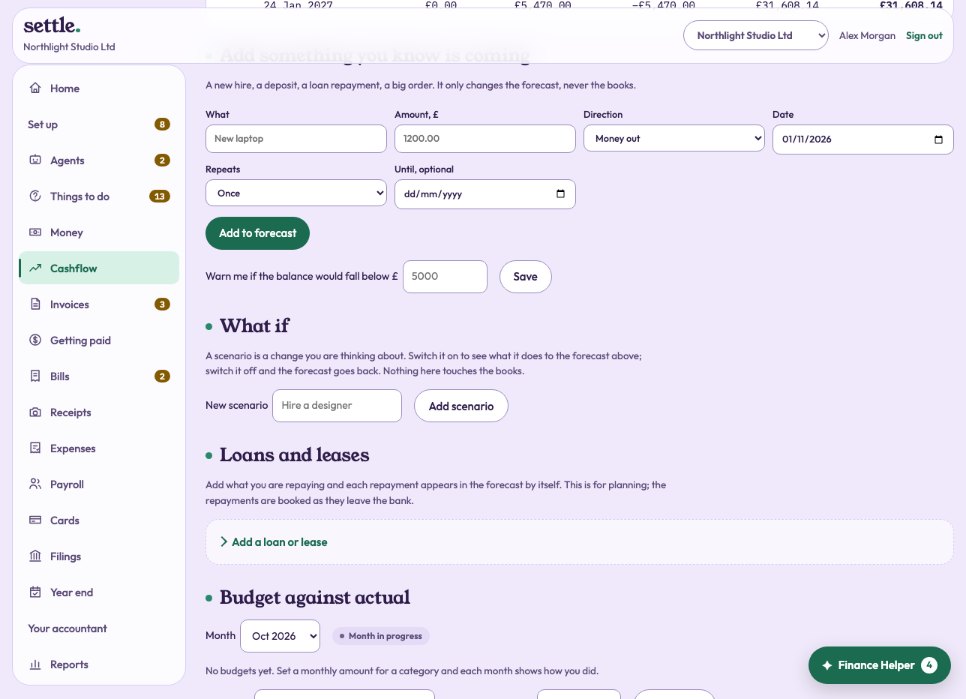
Under What if, name the change you are thinking about and press Add scenario. You can also mark it as losing a customer, which stops their repeating invoices in the forecast. Then add what changes: what, how much, in or out, from when, and how often.
Comparing
Switch a scenario on to see the forecast with it, and off to go back. The tiles compare the two. Nothing here touches the books.
Still stuck? Ask in the Finance Helper inside the app, or contact your accountant.